Feel confident using Canva—even if you’ve never felt “techy.”
Learn the basics in this focused, beginner-friendly workshop.
Why this workshop exists
Many of us didn’t grow up with today’s technology and feel intimidated by programs like Canva.
You’ve maybe tried opening it on your own, but quickly realized you didn’t even know where to start—and before you know it, you close it down again, frustrated and unsure.
The problem isn’t that you can’t learn or aren’t capable. It’s that no one has shown you exactly where to click, what to focus on, and how to create simple, polished designs confidently.
And if nothing changes, you’ll keep avoiding Canva, hiring others, or missing out on creating things you actually want for your home, community, or business.
What this workshop helps you do
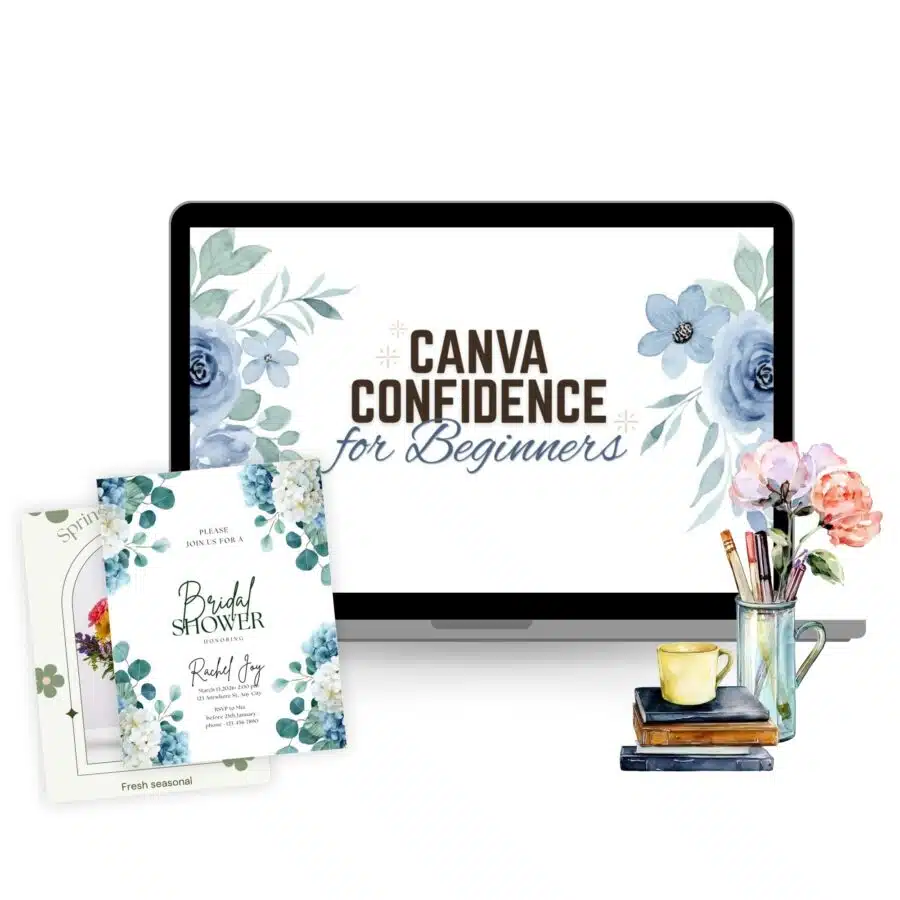
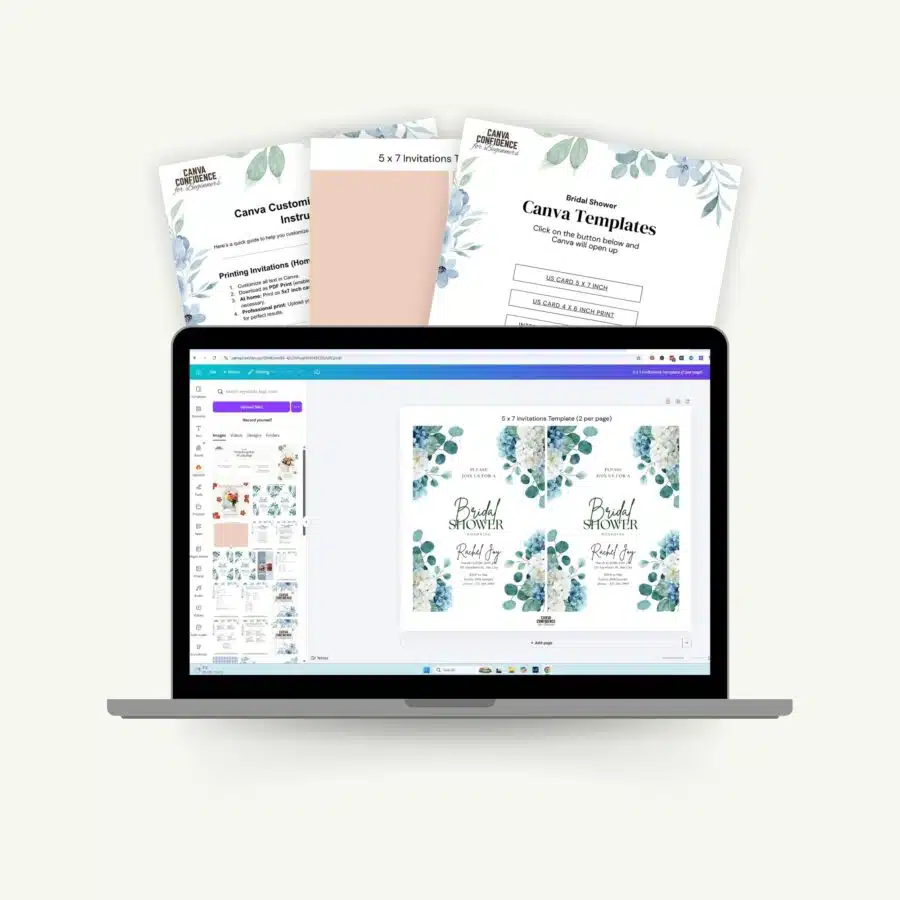
This workshop is designed to help you confidently open Canva and create your own designs from start to finish.
By the end of this workshop, you will:
This is not about becoming a professional graphic designer or mastering every Canva feature. It’s about getting started & created projects from start to finish.
What You’ll Walk Away With
When you finish, you’ll have the confidence and process to create your own Canva projects from start to finish.
That Means:
You’ll know exactly where to start,what to click, and how to use Canva’s basics.
You’ll stop feeling overwhelmed or intimidated by the program.
You’ll can experiment and create your own designs with confidence.
How this changes things
Because of this, things start to feel different.
Instead of feeling intimidated or unsure where to start, you’ll feel confident opening Canva and exploring your ideas.
Instead of being overwhelmed by all the buttons, options, and templates, you’ll have a clear understanding of the basics and what steps to take first.
You won’t become a Canva expert overnight.
But, you’ll feel capable, encouraged, and ready to create your own designs.

Meet Your Teacher
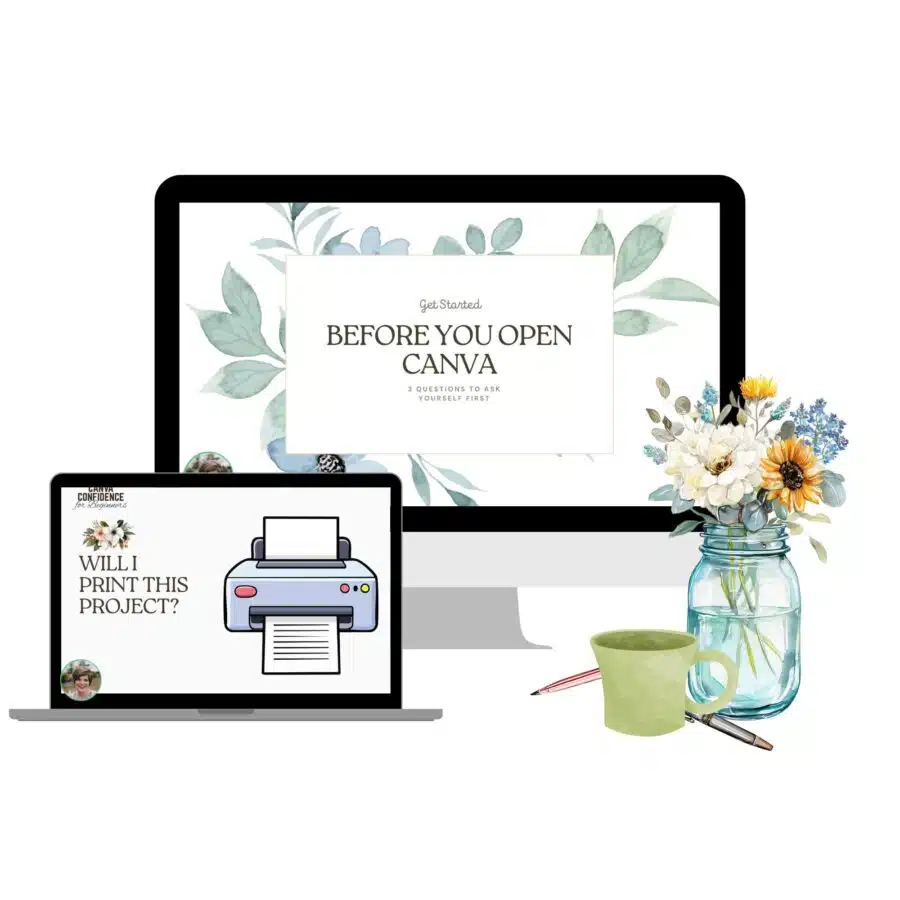
I’m Rita, and I created this workshop after realizing how intimidating tools like Canva can feel when you don’t know where to start.
I’ve been building an online business for over 15 years, learning digital platforms along the way, and now find myself using Canva nearly every day — for social media graphics, blog images, email opt-ins, art prints, and even projects for my home and community.
I’ve taught a variety of classes over the years, and I truly love walking women through that aha moment when things finally click. My role here is to guide you step by step, helping you feel comfortable, capable, and excited as you discover how Canva can work for your needs — without fear, overwhelm, or pressure to be “techy.”
What’s Included
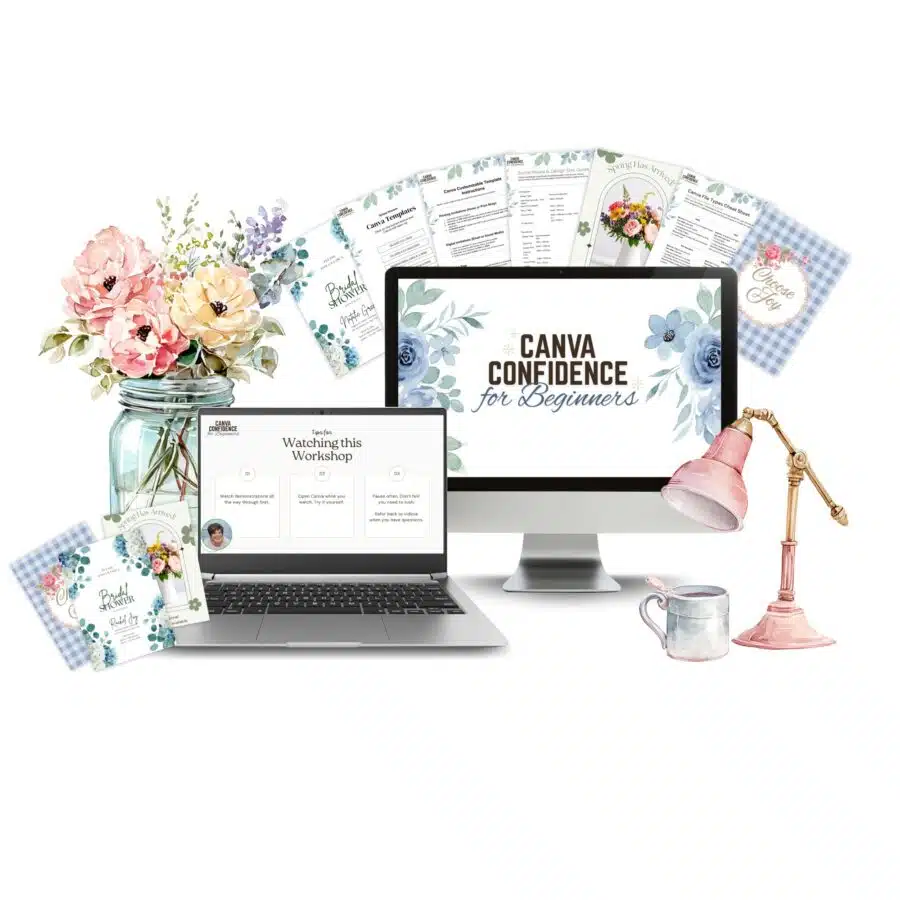
When you join Canva Confidence for Beginners, you’ll receive:
You can complete this workshop in about 1 1/4 hours.
$37
Enter code LEARN10 for $10 off! Valid until September 8, 2026 at 3:30pm
You’ll receive instant access after purchase • You’ll have lifetime access so you can revisit the material anytime.